Every new episode, ready to post everywhere.
The episode is out. Now it needs to travel. Podcasso finds the moments worth clipping, writes a post for each platform, and gives you short links on your own domain to say on air, with every click counted.
Your best moments, ready to post.
Pick an episode and Podcasso suggests the moments worth sharing. Choose one, pick a look, and get a captioned video in your show’s colors and fonts, sized for every app. No video? Your cover art fills the frame.
More about clip studio- Moments, picked for you
- Podcasso reads the whole episode and suggests the stretches most likely to land. Or find your own in the transcript.
- Edit with the transcript
- Set where a clip starts and ends right in the words, stitch together moments from across the episode, and tidy any caption you like.
- Captions that look like your show
- Hook, Bold, and Subtitle looks, with captions that move, in your colors and fonts. Save your own look and use it on every clip.
- Every shape
- Vertical, square, or landscape, in 1080p, ready for TikTok, Reels, Shorts, and everywhere else.
A post for every app, the day it comes out.
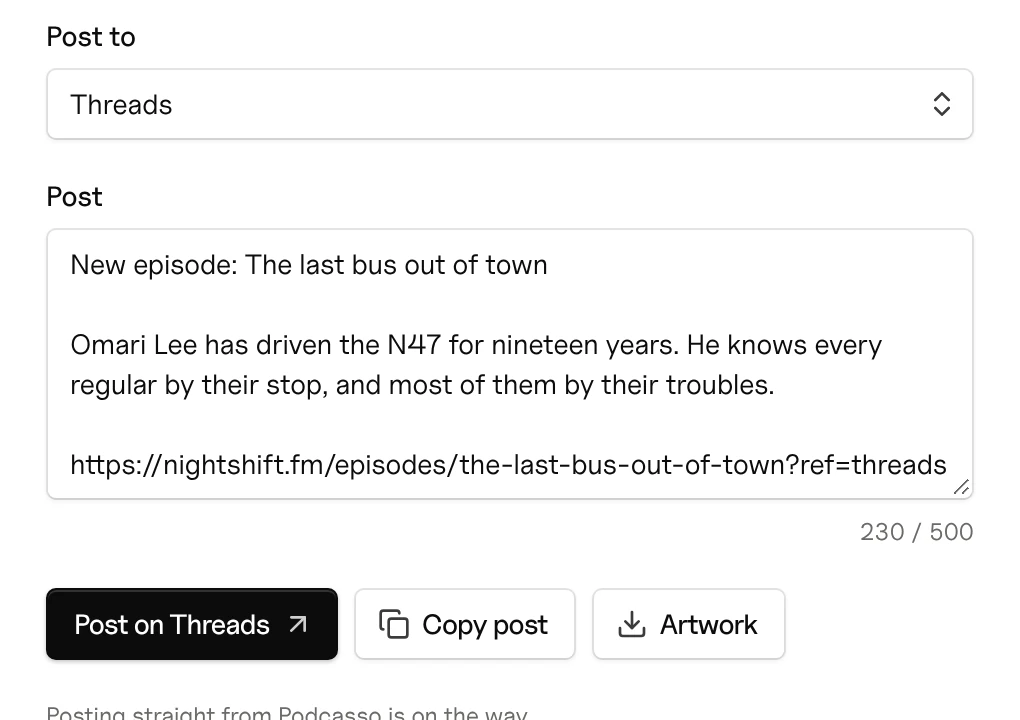
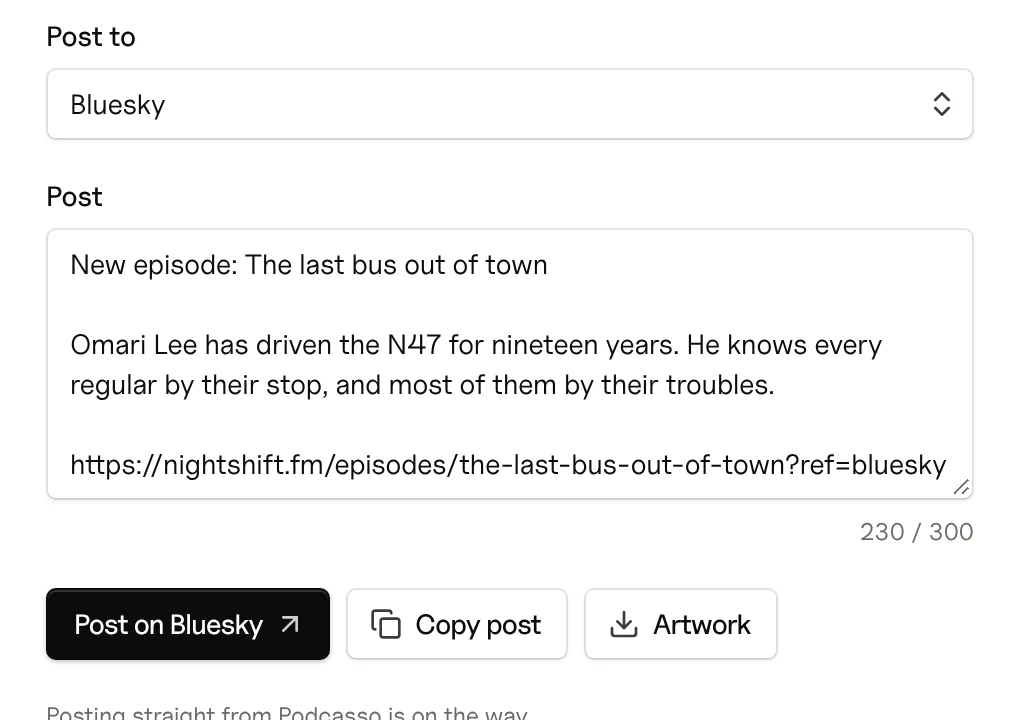
Every new episode arrives with a post written for each app: short for X, a little longer for LinkedIn, all of it in your voice. Copy it, or open the app with it ready, and grab the artwork to go with it. Each link is tagged, so you can see which app sent people.
More about share kit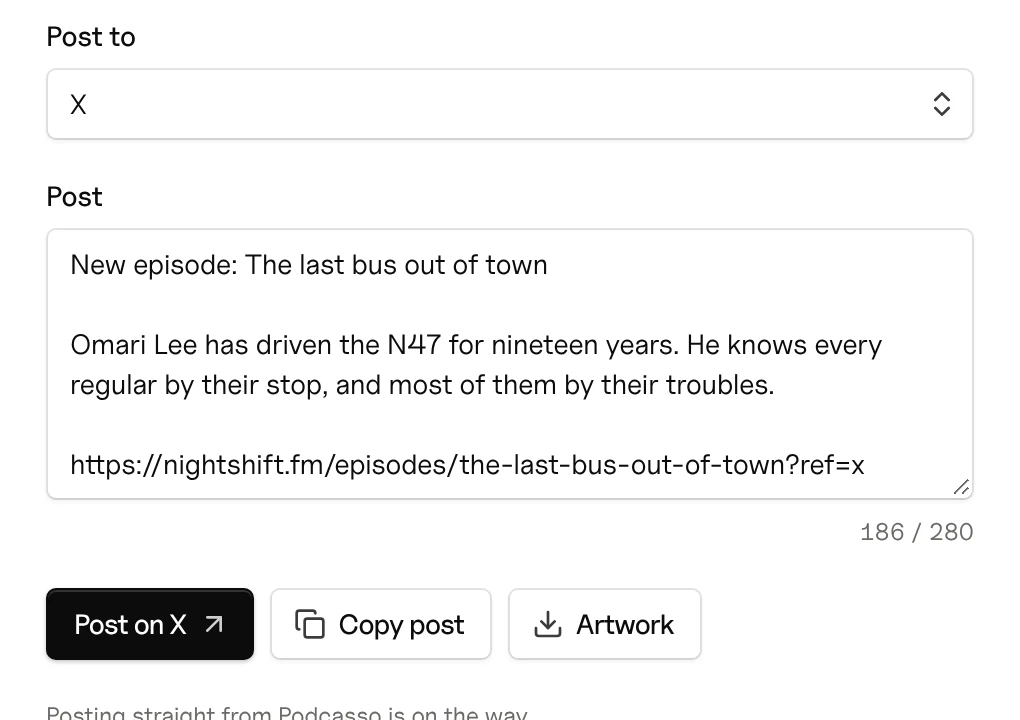
- Written for each app
- X, Bluesky, Threads, LinkedIn, Facebook, and Instagram each get their own version, counted against that app’s limit.
- Artwork to go with it
- Download the episode’s artwork in the right shape for the post, so it looks like your show in every feed.
- Links that report back
- Every link points to the episode’s page on your site and carries a tag for where it was posted, so Analytics shows which app sent the most people.
- Ready the week it’s out
- A new episode shows up on Home with Share right there, so posting it is part of release day, not another job for later.
A link you can say out loud.
Turn any long link into one on your show’s own domain, like yourshow.com/sponsor. It’s easy to read on air, looks right when it’s shared, and tells you how many people clicked.
More about branded linksGo to drink trade dot com slash podcast question mark utm source equals night shift and utm medium equals audio and promo equals n s forty eight and…
Go to nightshift dot com slash coffee.
nightshift.com/coffeedrinktrade.com/podcast?utm_source=nightshift&utm_medium=audio&promo=NS48427 visits this weekUp 17%
- Short and easy to say
- You choose the word after the slash, so a sponsor’s eighty-character tracking link becomes something you can say without taking a breath.
- Your own link preview
- Set the title, description, and image people see when the link is shared in a message or a post.
- Visits, counted
- See how many visits each link brings, and how they stack up against the rest of your traffic.
- QR codes that look like your show
- Going to print? Pick the dot and corner shapes, use your brand colors, and put your artwork in the middle. Download it as a PNG or SVG, ready for the printer.
Fair questions.
No. Audio shows get clips built around their cover art, with captions in their colors.
You copy each post and publish it where you like. The links in it are tagged, so you can see which platform sent people.
Everything else Podcasso does
- Look the part
A site in your colors, built from your feed
- Get found
Every episode on Google and in AI answers
- Keep your audience
Emails, messages, and numbers that stay yours
You’ve built the audience. Now bring them somewhere you own.
Join the waitlist and be one of the first shows through the door.
Join the waitlist